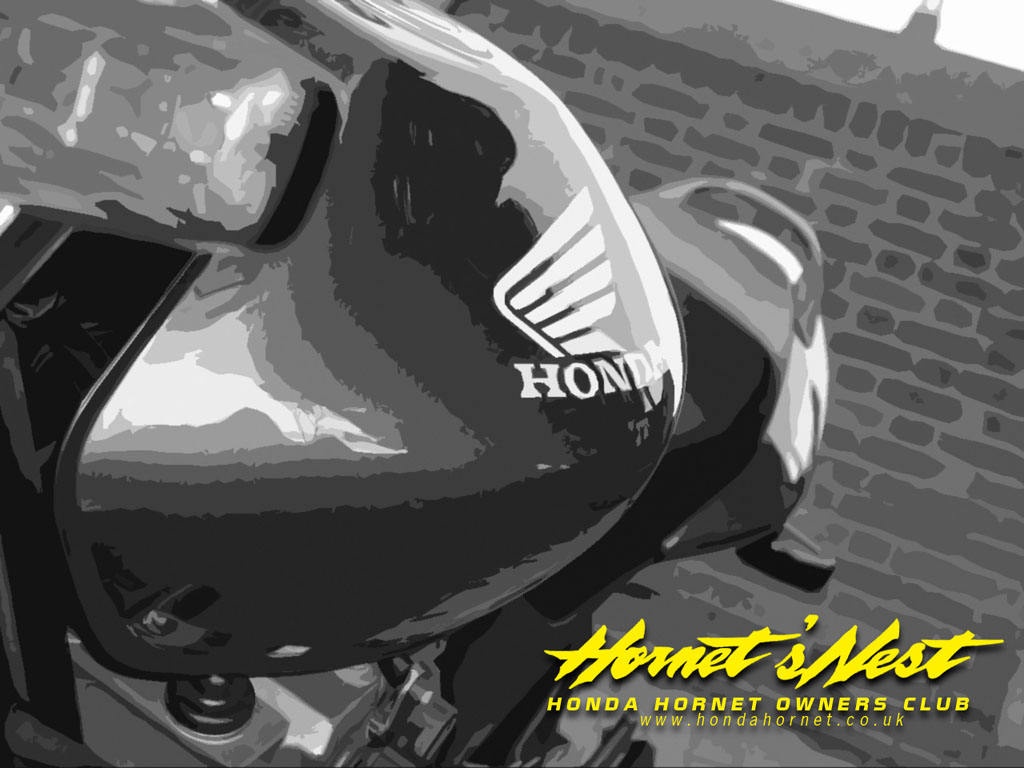
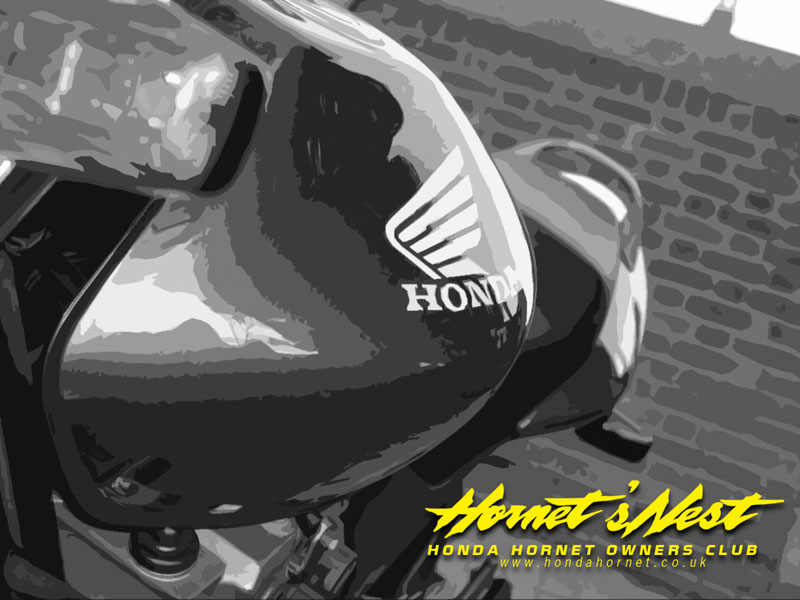
HORNET WALLPAPERS
Free to download.
Download instructions...
PC: Select the required screen size.
When the new window has opened - Right click on the picture then select 'Set as Background'.
MAC: Click on the desired Wallpaper size closest to your screen setup.
Then click on the image and hold the button down.
Select 'Download image to disk'.Then simply use the 'Appearance' control panel to select the picture and set as background.
Create your own wallpapers and send them in to be posted here. matt@hondahornet.co.uk
|
Download wallpapers/backgrounds for PC and MAC |
||
|
Submitted by MATT
|
Submitted by MATT
|
Submitted by STEVE R
|
|
Submitted by MATT
|
Submitted by DUNCAN (PC version)
|
Submitted by DUNCAN (PC version)
|
|
|
Submitted by DUNCAN (MAC version)
|
Submitted by DUNCAN (MAC version)
|